




NVMe form factors explained: M.2, U.2, E1.S, and E3.S
M.2, U.2, E1.S, E3.S, E1.L: the NVMe form factors explained. What each shape is for, why thermals decide which one a machine uses, and the AI angle.
Servers Direct · May 20, 2026
An NVMe solid state drive (SSD) can be the size of a stick of gum or a 30-centimeter ruler. Same protocol, same way of moving data, wildly different shapes. And the shape is not cosmetic. It decides how much a drive can store, how hard it can run before it overheats, whether you can pull it without powering the machine down, and ultimately what kind of system it belongs in.
That is what NVMe form factors are about. The form factor is the physical shape, connector, and size of the drive, separate from the interface (PCIe) and the protocol (NVMe) that actually move the data. This article walks through each form factor, explains why the shape matters more than people expect, and shows where each one lands in real machines.
Form factor is not the same as protocol

The biggest source of confusion here is that many people do not realize NVMe is a communication protocol, not the shape or size of an SSD. NVMe (Non-Volatile Memory Express) defines how an SSD talks to the CPU over PCIe lanes. The form factor is the physical card the flash chips live on.
This matters because a single form factor can carry more than one protocol. An M.2 slot can hold a SATA SSD or an NVMe SSD, and while they look nearly identical in the same slot, they are not interchangeable. A SATA M.2 drive tops out around 550 MB/s. An NVMe M.2 drive on PCIe Gen4 moves around 7,000 MB/s. Same slot, same outline, very different drive. So when someone says they have an M.2 SSD, always ask whether it is SATA or NVMe.
All of today's modern server and AI hardware uses NVMe storage. So from here on, every form factor below is carrying NVMe over PCIe. The shape is the variable.
The form factors, walked through
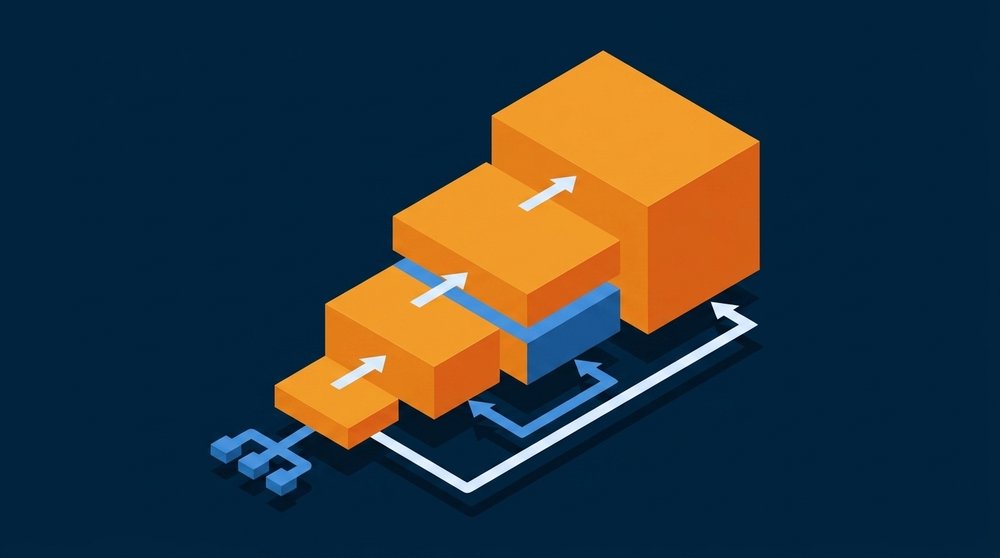
Here is the working set of shapes you will actually deal with, in order, starting at the consumer end and moving toward the densest datacenter sizes.
| Form factor | Size | Power budget | Hot-swap | Where it shows up |
|---|---|---|---|---|
| M.2 | 22 mm wide, 30 to 110 mm long | ~8 W | No | Laptops, workstations, compact AI desktops |
| AIC (add-in card) | PCIe slot card | slot-powered | No | Older high-end workstations, some servers |
| U.2 / U.3 | 2.5 in x 15 mm | ~25 W | Yes | Mainstream 2U servers |
| E1.S | 111.5 x 31.5 mm | 12 W+ | Yes | Dense 1U servers, hyperscale |
| E1.L (ruler) | 318.75 x 38.4 mm | 40 W+ | Yes | Maximum-capacity storage servers |
| E3.S / E3.L | 76 mm tall, 112.75 / 142.2 mm long | 20 to 70 W | Yes | Next-gen 2U servers (replacing U.2) |
M.2
The familiar gum-stick, and not a single size but a family. M.2 is always 22 mm wide, and the four-digit name encodes width and length: a 2280 is 22 mm by 80 mm, a 2242 is 22 mm by 42 mm, and so on. The common lengths are 2230, 2242, 2260, 2280, and 22110. The 2280 is the desktop and laptop standard. Shorter sticks (2230 and 2242) fit space-constrained machines like handheld consoles, mini PCs, and compact AI desktops. The longest, 22110, has room for more flash and for power-loss-protection capacitors, so it turns up in workstations and entry servers. The length determines how much flash fits, which is why a tiny 2230 caps out at lower capacities than a full 2280.
M.2 mounts flat to the board with no casing of its own, which makes it small and cheap, and is why it dominates laptops, workstations, and compact systems. The trade-off is heat. An M.2 stick has almost no surface area to shed heat, so under sustained writes it throttles once the controller overheats. That is fine for bursty desktop workloads, but for a drive being hammered around the clock it is a real limit.
U.2 and U.3
U.2 is a 2.5-inch drive, 15 mm thick, that slots into a hot-swap bay using the SFF-8639 connector. The extra volume buys two things M.2 cannot: much better cooling, so it holds peak speed under sustained load, and far higher capacity, up to roughly 30 TB. It is the workhorse of mainstream servers. U.3 uses the same physical connector but adds a tri-mode controller that can speak SATA, SAS, or NVMe on the same backplane, which simplifies server design.
EDSFF: E1 and E3
EDSFF (Enterprise and Datacenter Standard Form Factor) is the family built specifically for servers, maintained by SNIA. The whole family shares one connector (SFF-TA-1002), one interface (PCIe), and one protocol (NVMe). The shapes differ by job:
- E1.S is a short, thin cartridge (111.5 mm long, 31.5 mm wide, or 33.75 mm on the thicker heatsink variants) that packs many drives into a 1U front panel. Think of it as M.2 grown up for the datacenter: similar footprint, but in a hot-swappable sled with real cooling. Hyperscalers drove its adoption.
- E1.L is the "ruler," 318.75 mm long. It trades thickness for length to maximize capacity per slot, which is how vendors build petabyte-class 1U storage boxes.
- E3.S and E3.L are 76 mm tall and designed to replace U.2 in 2U servers. They carry a higher power and thermal budget (roughly 20 W on a thin E3.S up to 70 W on the long, thick E3.L), which matters for PCIe Gen5 drives that run hotter, and the E3 family is where most new enterprise designs are heading.
AIC
The add-in card is simply an SSD on a PCIe card that drops into a slot like a graphics card. It was common before M.2 and U.2 matured because a full-height card has plenty of room for cooling and flash. You still see it in some high-performance niches, but it wastes a slot that could hold a GPU, so it is increasingly rare in AI builds.
Why the shape matters more than you would think
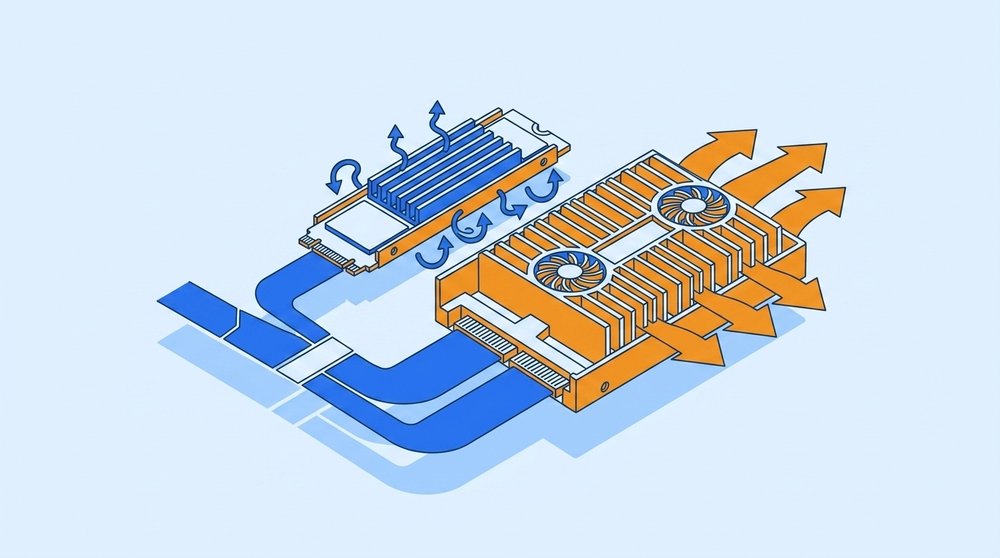
Three things follow directly from the form factor, and all three matter for AI hardware.
Thermals set sustained performance. A drive's peak speed is on the spec sheet. Whether it holds that speed depends on whether it can shed heat. M.2 throttles under sustained writes because it has nowhere to put the heat. U.2 and the EDSFF shapes have more surface area and sit in engineered airflow, so they hold peak throughput far longer. When a job streams training data or checkpoints continuously, that difference is the whole game.
Capacity ceilings differ. More physical volume means more room for flash packages. M.2 commonly tops out around 8 TB, with a few 16 TB enterprise drives at the high end. U.2 reaches roughly 30 TB. E1.L rulers go higher still by being long. If you need dozens of terabytes per drive, the shape decides whether that is even possible.
Hot-swap and density are server features. M.2 and AIC are not hot-swappable, replacing one means powering down and opening the chassis. U.2, U.3, and every EDSFF shape slide out of a front bay while the system runs. That, plus the higher drive count EDSFF allows per rack unit, is why servers moved away from M.2 for primary storage.
The short M.2 in compact AI hardware
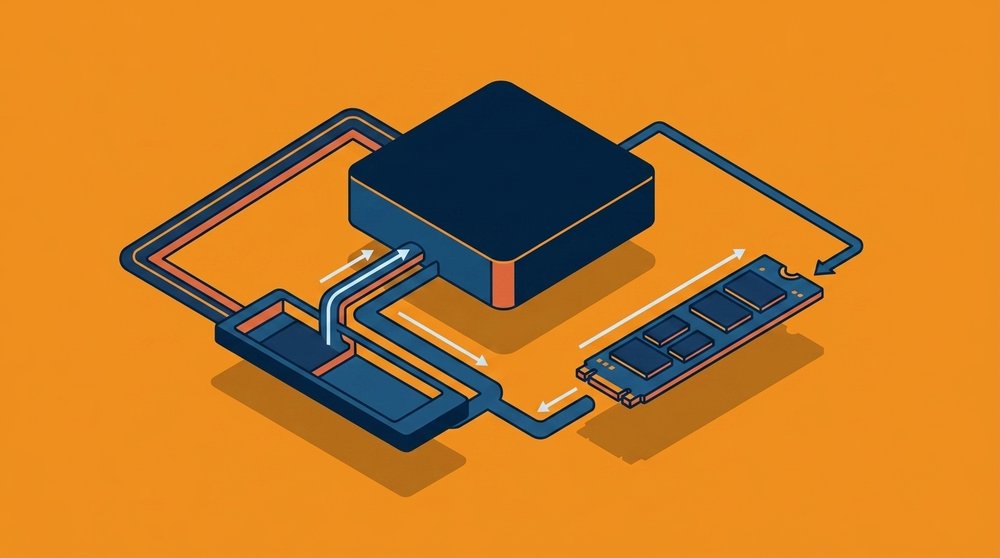
Compact AI desktops are a clean example of why the length matters. NVIDIA's DGX Spark does not use the desktop-standard 2280. It uses the shorter M.2 2242, 22 mm by 42 mm, because a 1.1-liter chassis has no room for a longer stick. The drive is user-replaceable, and the slot takes both PCIe Gen4 and Gen5 2242 SSDs, so you can fit a Gen5 part like Samsung's PM9E1 (a 4 TB 2242 drive built for the GB10 platform, rated around 14.5 GB/s reads) for faster loads. Lenovo's ThinkStation PGX, the same GB10 class, similarly ships with a 1 TB or 4 TB NVMe M.2 with AES self-encryption.
This is a useful place to clear up a common mix-up. On these machines it is the memory that is fixed, not the SSD. The LPDDR5X unified memory is soldered down (see DDR5 vs LPDDR5X), but the M.2 2242 drive slides out and swaps like any other M.2. The short length is the only real constraint: a 2242 holds less flash than a full 2280, and it sits in the same tight thermal envelope every M.2 does. For a machine that mostly reads model weights into unified memory, none of that is the bottleneck. The drive just has to hold the models and load them quickly, which a 2242 stick does.
What AI servers use instead
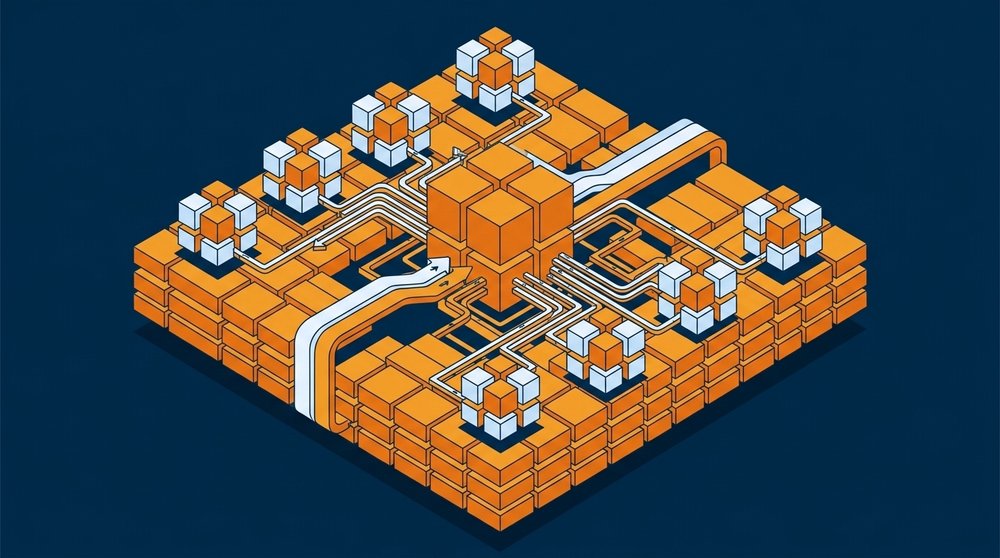
Move up to a multi-GPU AI server and the storage picture changes completely. A box feeding eight GPUs with training data needs sustained throughput, large capacity, and the ability to swap a failed drive without taking the system down. That is U.2, U.3, or increasingly E3.S territory in GPU servers, with E1.L rulers showing up where raw capacity for datasets and checkpoints dominates in enterprise storage tiers.
The pattern is consistent across the lineup. Compact desktop AI machines and workstations use M.2 because it fits and the drive is not the limiting factor. Servers use hot-swappable, better-cooled, higher-capacity EDSFF and U.2 drives because the storage has to keep a roomful of GPUs fed without interruption. Same NVMe protocol underneath. The shape just follows the job.
Frequently Asked Questions
Is an M.2 SSD always NVMe?
No. M.2 is a form factor that can carry either SATA or NVMe. They look almost identical and use the same slot, but a SATA M.2 drive tops out near 550 MB/s while an NVMe M.2 drive on PCIe Gen4 reaches around 7,000 MB/s. The two look nearly identical, so always confirm which protocol a given M.2 drive uses before assuming it is fast.
What is the difference between U.2 and U.3?
Both are 2.5-inch hot-swap drives that use the same SFF-8639 connector. U.3 adds a tri-mode controller that can run SATA, SAS, or NVMe on the same backplane, which lets a server populate one set of bays with mixed drive types. U.2 is NVMe-only on that connector.
What does EDSFF stand for, and why does it exist?
EDSFF is the Enterprise and Datacenter Standard Form Factor family (E1.S, E1.L, E3.S, E3.L), maintained by SNIA. It exists to replace M.2 and U.2 in servers with shapes designed for datacenter needs: better cooling, hot-swap, higher density per rack unit, and a common connector and pinout across the whole family.
Why do DGX Spark and the Lenovo PGX use M.2 instead of a server form factor?
Because they are compact desktop appliances with no room for hot-swap bays. They use the short M.2 2242 (not the desktop-standard 2280) so the stick fits the small chassis. The drive itself is still user-replaceable and accepts Gen4 or Gen5 2242 SSDs. What is fixed on these machines is the soldered LPDDR5X memory, not the SSD. M.2 is fine here because the drive is not the bottleneck for local inference, where memory bandwidth matters more.
Does form factor affect SSD speed?
The interface and protocol set the peak speed (the PCIe generation and NVMe), so two drives of the same generation can have the same rated speed in different shapes. What the form factor affects is sustained speed: larger shapes with more cooling hold peak throughput under continuous load, while M.2 throttles when it overheats.
Which NVMe form factor should an AI server use?
It depends on the role. Mainstream 2U GPU servers commonly use U.2 or U.3, with E3.S increasingly replacing them in new designs. Maximum-capacity storage tiers use E1.L rulers. Compact edge or desktop systems use M.2. The right answer is set by capacity, sustained throughput, and serviceability needs, not by one drive being better than another.
The short version: NVMe is the protocol, and the form factor is the shape that carries it. M.2 is small, fixed, and thermally limited, which is exactly why compact AI desktops use it. U.2 and the EDSFF family are bigger, hot-swappable, and better cooled, which is why servers do. Knowing the shape tells you what kind of machine a drive belongs in.
If you are speccing storage for an AI build and want to match the form factor to the workload, talk to an engineer and we will size it with you.
Spec a system based on this guide.
Tell us what you took from this article — we’ll come back with a configuration.
Need rack-scale or integrated infrastructure?
For multi-node clusters, integrated racks, and larger enterprise deployments, our parent company Equus Compute Solutions handles the build. Same engineering team and supply chain, scaled up.