




DDR5 vs LPDDR5X: what the difference actually means for AI workloads
DDR5 and LPDDR5X are the same DRAM generation in two very different packages. Here's how each works, the bandwidth math, and where AI hardware uses which.
Servers Direct · May 19, 2026
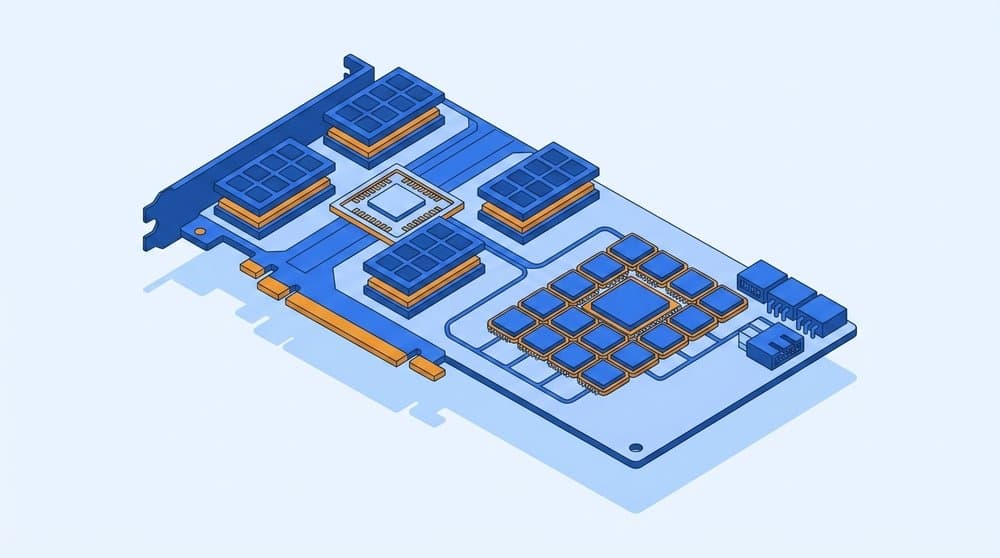
DDR5 and LPDDR5X both belong to the DDR5 generation. They use the same DRAM cells, the same data-rate doubling tricks, the same on-die ECC bits. The differences are in everything around the cells: package design, signaling, channel width, voltage rails, and where on the board you are allowed to put them. Those packaging choices are what made low-power DDR the memory of choice for the new wave of unified-memory AI desktops, whether that is LPDDR5X (Lenovo's ThinkStation PGX, NVIDIA's DGX Spark, AMD's Strix Halo) or plain LPDDR5 (Apple's Mac Studio). DDR5 RDIMMs continued as the standard for traditional workstations and servers feeding discrete GPU servers.
The piece will walk you through what the two standards define, where they live, how to do the bandwidth math and what those numbers are in terms of actually running a 70B model on the thing.
What the two standards actually define
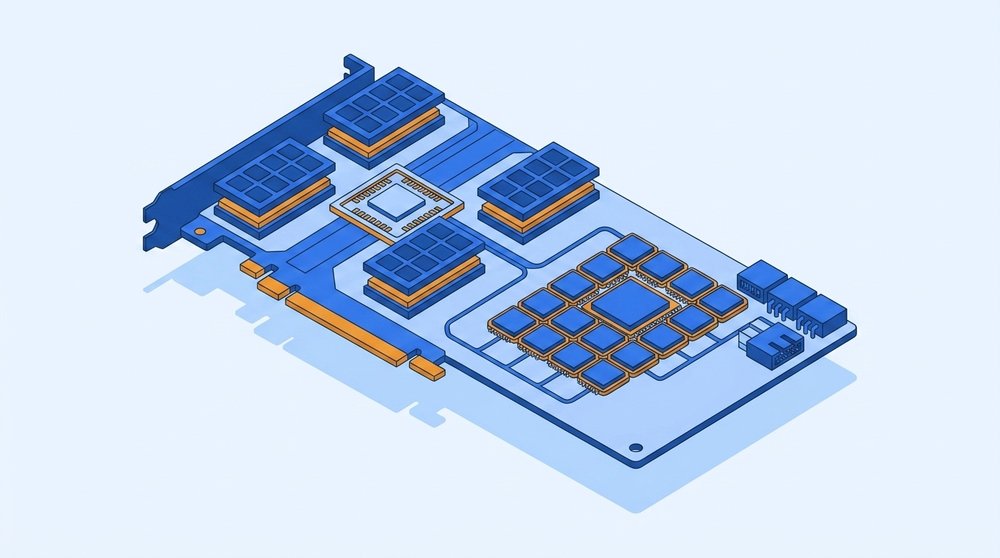
Both come from JEDEC, the standards body that ratifies DRAM specifications. JEDEC publishes a different document for each one because they target very different machines.
DDR5 is JESD79-5, the desktop and server DRAM standard. It assumes the memory will live on a removable module (UDIMM, SO-DIMM, RDIMM, LRDIMM, or the newer MRDIMM) plugged into a socket on the motherboard, running at 1.1 V. A DDR5 channel is 64 bits wide, usually split into two 32-bit sub-channels per DIMM. Data rates run from DDR5-3200 at the bottom of the spec (products launched at DDR5-4800) up to DDR5-8800 in current MRDIMM products, with DDR5-6400 RDIMM being the common server speed in 2025 to 2026.
LPDDR5X is JESD209-5C. LPDDR5 itself arrived first as JESD209-5 in 2019. LPDDR5X was added as an extension in JESD209-5B in 2021 with an 8533 MT/s ceiling, then raised to 9600 MT/s in the 5C revision. It assumes the memory will be a BGA package soldered directly to the PCB, often inches from the SoC or stacked on the same package. It runs at lower voltages (around 1.05 V Vdd, with separate rails as low as 0.5 V on some signals). A LPDDR5X channel is 16 bits wide, not 64. The standard adds per-pin decision feedback equalization (DFE) and pre-emphasis on the data lines, signal-conditioning tricks that let it push 9600 MT/s without losing bits to noise.
Same DRAM cells. Very different packaging, signaling, and assumptions about how it gets connected.
Why the channel width gap matters
A DDR5 RDIMM at DDR5-6400 moves 6.4 GT/s × 8 bytes (64-bit channel) = 51.2 GB/s per channel (Tom's Hardware on MRDIMM). A LPDDR5X channel at 9600 MT/s moves 9.6 GT/s × 2 bytes (16-bit channel) = 19.2 GB/s per channel. Per channel, DDR5 RDIMM is more than twice as fast.
What low-power DDR does instead is run many more channels in parallel. A Lenovo PGX runs 16 of those 16-bit channels on a 256-bit bus and reaches 273 GB/s (Lenovo Press LP2321). Apple goes far wider: the M3 Ultra fields 64 16-bit channels on a 1024-bit bus for 819 GB/s, and it does that with plain LPDDR5-6400 rather than the faster LPDDR5X, pure channel count making up for the lower per-channel rate. Either way you are trading per-channel speed for channel count, which works because soldered low-power DDR can sit close enough to the SoC to make buses that wide feasible.
Where each one physically lives
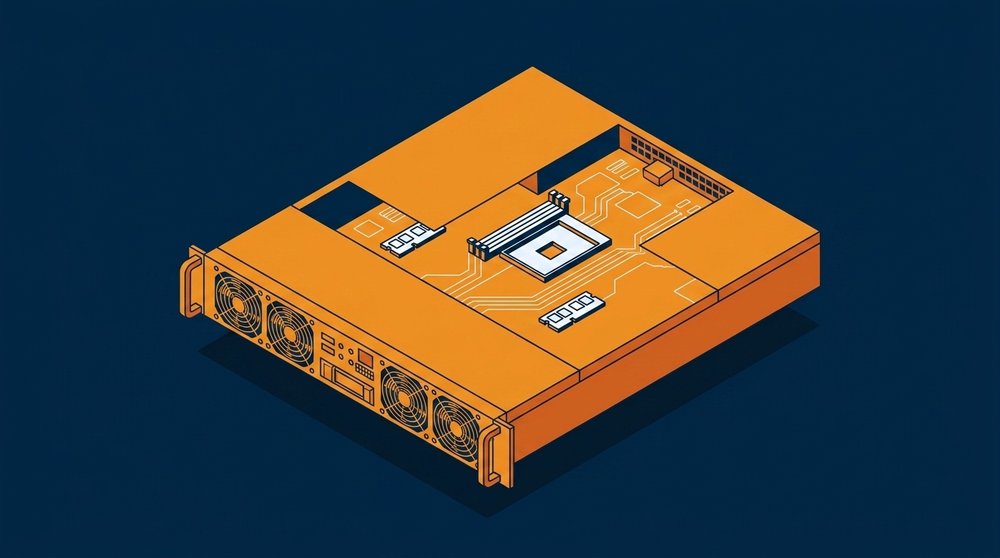
DDR5 lives in a socket. You buy a DIMM, snap it in, pull it out and replace it as needed. There are five module form factors in practice:
- UDIMM (unbuffered): the desktop / entry workstation module. No buffer between memory and CPU.
- SO-DIMM: the laptop / small-form-factor module. Same idea as UDIMM, smaller.
- RDIMM (registered): the standard server module. A buffer chip on the module reduces electrical load on the CPU memory controller so you can have more DIMMs per channel and higher densities.
- LRDIMM (load-reduced): more aggressive buffering for the largest capacities. Mostly displaced by RDIMM and MRDIMM.
- MRDIMM (multiplexed-rank): the newest format, supported today by Intel Xeon 6 (AMD EPYC support is on the roadmap, not yet shipping). Two ranks of DRAM are presented to the memory controller as if they were a single faster rank. Effective rate at DDR5-8800 is 70.4 GB/s per channel.
A fully populated 12-channel Xeon 6900P with DDR5-6400 RDIMM lands around 614 GB/s of total system memory bandwidth. The same platform with DDR5-8800 MRDIMM hits about 845 GB/s (Phoronix MRDIMM review). The cost is system-level: more DIMMs means more board area, more power for the buffer chips, and you are still using a socketed connector with the signal-integrity ceiling that implies.
LPDDR5X does not go into a socket. It is soldered to the board. On a PGX, the LPDDR5X dies are mounted directly on the same module that holds the GB10 superchip. In a Mac Studio, the LPDDR5X dies sit inside the same package as the M3 Ultra compute. There is no aftermarket upgrade path, your memory configuration is fixed when you order. That is the trade-off you accept in exchange for being able to run the bus at 9600 MT/s without a socket in the path.
LPCAMM, the in-between option
Samsung's LPCAMM2 is a removable form factor for LPDDR5X. The module screws flat to the motherboard, takes about 40 percent of the footprint of a DDR5 SO-DIMM, and improves power efficiency by up to 70 percent. It is appearing in some 2025 to 2026 laptops but is not yet common in the AI-class machines this article focuses on.
The bandwidth math, side by side
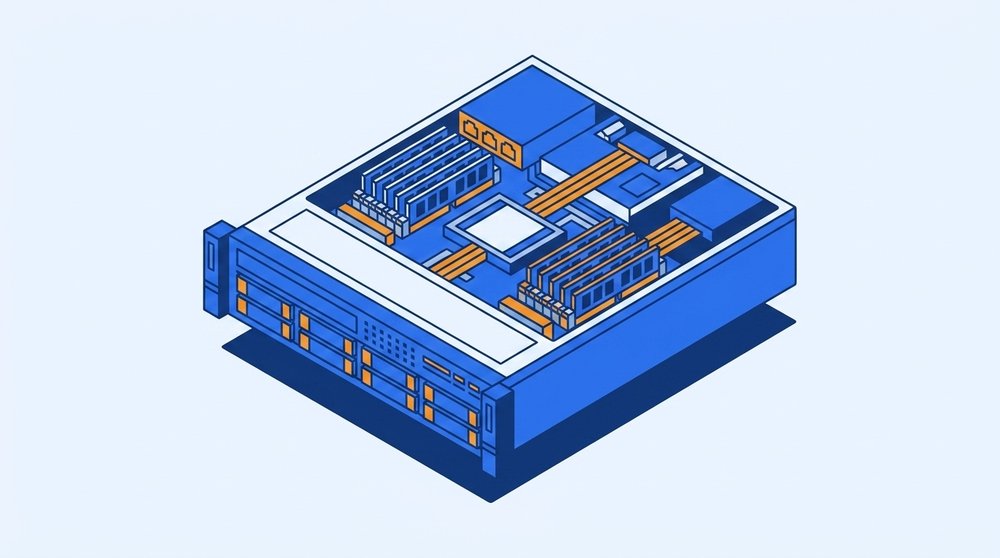
Here is where the standards land in real systems you can buy today, ordered by total memory bandwidth:
| System / class | Memory | Bus width | Bandwidth |
|---|---|---|---|
| Mid-range DDR5 desktop (2-channel UDIMM-6400) | DDR5 | 128-bit (2×64) | ~102 GB/s |
| Threadripper PRO workstation (8-channel RDIMM-6400) | DDR5 RDIMM | 512-bit (8×64) | ~410 GB/s |
| Lenovo PGX (GB10) | LPDDR5X | 256-bit | 273 GB/s |
| Xeon 6 server (12-channel RDIMM-6400) | DDR5 RDIMM | 768-bit (12×64) | ~614 GB/s |
| Apple Mac Studio (M3 Ultra) | LPDDR5 | 1024-bit | 819 GB/s |
| Xeon 6 server (12-channel MRDIMM-8800) | DDR5 MRDIMM | 768-bit | ~845 GB/s |
| NVIDIA H200 GPU (single) | HBM3e | 6144-bit | ~4.8 TB/s |
Three things to read out of that table. LPDDR5X is not "faster than DDR5" in any clean sense, a workstation full of DDR5 RDIMMs and a unified-memory AI desktop can land in the same bandwidth ballpark by very different routes. The gap between the best DDR5 system and a single HBM3e GPU is roughly 6x, which is why HBM is essential for production-scale training. And the PGX-class machines are not trying to compete with HBM at all. They give you 128 GB of unified memory in a small package on your desk, and 273 GB/s is what that envelope buys.
Why LPDDR5X showed up in AI hardware

Before late 2024, LPDDR5X was a laptop and smartphone story. It now sits at the center of an entire category of personal AI desktops because the unified-memory model rewards exactly the things LPDDR5X is good at.
A unified-memory AI machine wants the CPU, the GPU, and any neural accelerator to read and write the same memory pool without copies. The memory has to be physically close to all three, fast enough to feed tensor engines, dense enough to hold large model weights, and cool enough to do it in a small chassis.
LPDDR5X hits those constraints in a way DDR5 RDIMMs cannot. Lower voltage means less heat per gigabyte. BGA soldering inches from the SoC lets the bus run at 9600 MT/s without the signal-integrity penalty a socket imposes. The 16-bit channel width is a feature in this context, the SoC designer builds a very wide aggregate bus (256-bit, 512-bit, even 1024-bit on the M3 Ultra) from many narrow channels routed straight to their DRAM dies. That is what NVIDIA does on the GB10, what Apple does on M-series, and what AMD does on Ryzen AI Max+.
The cost is everything you give up by going to BGA: no memory upgrade path, fixed configurations at order time, and a ceiling on how far you can scale capacity before you have to physically span more die area.
What this all means for AI workloads
For a developer or platform engineer trying to figure out whether a given system will run the model they care about, there are two questions, and the memory choice answers both differently.
Will it fit? Capacity decides. A 70B-parameter dense model at FP16 needs about 140 GB just to hold weights. At Q4 quantization (a common practical operating point) it is roughly 42 GB. Add tens of gigabytes more for the KV cache at long context windows. A 128 GB unified PGX runs Llama 3.1 70B at Q4 comfortably with headroom. A 256 GB or 512 GB Mac Studio M3 Ultra runs Qwen3-235B-A22B in MoE mode, or a 405B dense model at low quant. A DDR5 workstation with 256 GB RDIMM can hold the same models, but the model is now sitting in system RAM far from the GPU's compute, so capacity without bandwidth proximity is not the same thing.
How fast will it generate tokens? Memory bandwidth decides, not FLOPS. During LLM decode the engine re-reads the model weights from memory once per token, so decode speed is roughly proportional to bandwidth divided by active-parameter-bytes. The arithmetic sets a hard ceiling: a PGX at 273 GB/s reading a 42 GB Q4 weight set cannot exceed about 6.5 tokens per second on a 70B dense model, and lands around 5 in practice. A Mac Studio M3 Ultra at 819 GB/s tops out near 19 and lands in the mid-to-high teens. A single H200 with HBM3e at 4.8 TB/s on a 70B at FP8 (70 GB) reaches roughly 60 to 70 at batch 1, and into the hundreds once you batch many requests together. The hardware tier matches the workload tier.
A useful side observation: prefill (the compute-heavy phase where the prompt is digested) is compute-bound, not memory-bandwidth-bound. The bandwidth gap matters much less there. That asymmetry is what makes "disaggregated inference" interesting, where you pair a compute-rich device for the prefill phase with a high-bandwidth device for the decode phase. That is a topic for another article in the Insights series.
Where each fits in a real AI hardware stack
| If you need... | The memory tier that fits | Typical machine |
|---|---|---|
| Run a single 7B to 70B model locally for prototyping or fine-tuning | 128 GB unified LPDDR5X | Lenovo ThinkStation PGX, NVIDIA DGX Spark, ASUS GX10 |
| Run 70B to 235B unified, or cluster two for 405B | 128 to 512 GB unified memory | Apple Mac Studio M3 Ultra, paired PGX over ConnectX-7 |
| Multi-user inference for a small team, mixed workloads | DDR5 RDIMM + discrete GPU(s) | Equus Threadripper PRO / Xeon W workstations with one or two RTX PRO 6000-class cards |
| High-throughput production inference, dense models, multi-user | HBM3e on discrete GPUs | Supermicro HGX H200 / B200 GPU servers |
| Very large model training | HBM3e at rack-scale | NVIDIA HGX B200 NVL72, AMD MI300X clusters |
LPDDR5X is the right memory for the developer-desk and small-edge tier. DDR5 RDIMM and MRDIMM are the right memory for general-purpose servers, mixed workloads, and any system whose memory needs are dominated by capacity rather than peak bandwidth to a single accelerator. HBM3e is the right memory when the workload pins a GPU and bandwidth is the bottleneck.
The most common framing error is to treat "LPDDR5X vs DDR5" as a buying decision the way you would treat two GPUs of the same generation. They are not direct competitors. They are built for different layers of the system, and the AI workload you are running is what decides which layer you should be shopping in.
Frequently Asked Questions
Is LPDDR5X faster than DDR5?
Per channel, no. A DDR5 RDIMM channel at DDR5-6400 moves more than twice as much data per second as a LPDDR5X channel at 9600 MT/s, because the DDR5 channel is 64 bits wide and the LPDDR5X channel is 16 bits wide. Per system, it depends entirely on how many channels each one fields. A Mac Studio M3 Ultra fields 64 narrow channels on a 1024-bit bus and beats a typical 12-channel DDR5 RDIMM server on raw bandwidth. A Threadripper PRO workstation with 8 channels of DDR5 RDIMM beats a 4-channel mini PC running LPDDR5X.
Why can't I upgrade memory on a PGX or a Mac Studio?
The memory is BGA-soldered to the same module as the SoC, often inside the same package. That is what lets the bus run at 9600 MT/s without a socket in the path. The trade-off is that the memory configuration is fixed when you order the system, so pick the capacity you need at purchase time.
Does LPDDR5X support ECC?
LPDDR5X has on-die ECC (the DRAM die corrects single-bit errors internally) as part of the JEDEC standard. It does not have the link ECC that server DDR5 RDIMM uses to protect data on the bus between the DIMM and the CPU. For most AI inference workloads, on-die ECC is sufficient. For mission-critical or long-running training jobs, server-class DDR5 RDIMM with full ECC is still the right call.
What is MRDIMM and where does it fit?
MRDIMM (multiplexed-rank DIMM) is a server-class DDR5 module format introduced with Intel Xeon 6. As of 2026 Intel is the only platform shipping MRDIMM support, with AMD EPYC support on the roadmap rather than in current parts. It combines two ranks of DDR5 DRAM and presents them to the memory controller as a single rank at twice the effective speed, hitting DDR5-8800 (70.4 GB/s per channel). MRDIMM is for servers that need more memory bandwidth without going to HBM, particularly mixed CPU-and-GPU workloads.
Is HBM3 the same kind of memory as LPDDR5X?
No. HBM3 and HBM3e are stacked DRAM die packaged directly on or next to the GPU silicon using through-silicon vias (TSVs), with a thousand-plus-bit interface per stack. They deliver an order of magnitude more bandwidth per stack than LPDDR5X. An H200's six HBM3e stacks reach 4.8 TB/s total. HBM is the gold standard for AI accelerator memory but is far more expensive, cannot be retrofitted to a non-HBM design, and is only available on datacenter GPUs and a few specialized AI ASICs.
Can I cluster two LPDDR5X machines to act like one bigger one?
Yes, with the right interconnect. Two Lenovo PGX or NVIDIA DGX Spark units can be linked via their integrated ConnectX-7 200 GbE ports to share a combined 256 GB of unified memory, enough to inference models up to 405 billion parameters. Multiple Apple Mac Studios can be clustered using EXO Labs' open-source exo framework over Thunderbolt 5 or Ethernet. Clustering trades pooled capacity for inter-node latency, so it is better suited to inference than to tightly-coupled training.
The short version: DDR5 RDIMM is the workhorse of socketed server memory. LPDDR5X is what lets AI hardware put 128 to 512 GB of high-bandwidth memory inside the same package as the SoC. Knowing which one is in the machine you are looking at tells you what kind of workload it was built for.
If you are sizing a system for a specific model or workload, our team is happy to walk through it. Talk to an engineer and we will match memory tier to workload before you spec the box.
Spec a system based on this guide.
Tell us what you took from this article — we’ll come back with a configuration.
Need rack-scale or integrated infrastructure?
For multi-node clusters, integrated racks, and larger enterprise deployments, our parent company Equus Compute Solutions handles the build. Same engineering team and supply chain, scaled up.